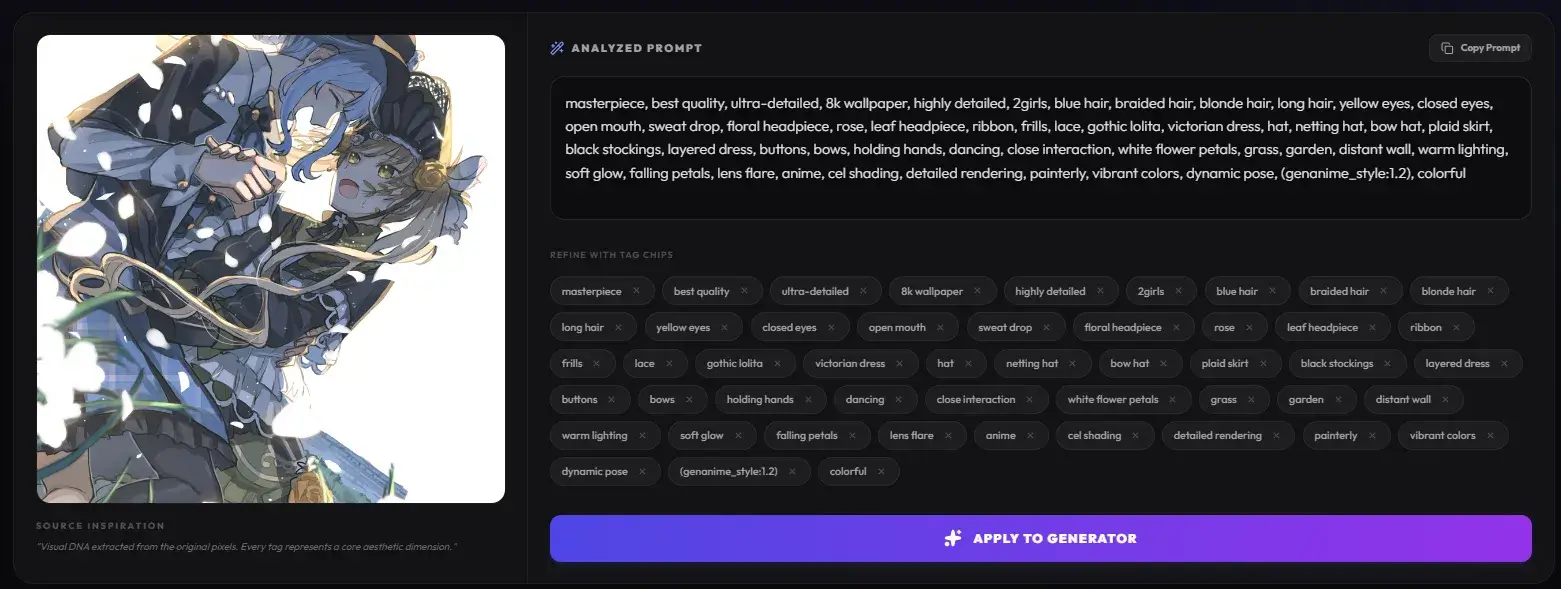
Master the Art of Reverse Engineering: Flux AI Image to Prompt
Stop guessing keywords. Learn how to deconstruct any anime masterpiece into a high-octane "magic spell" for your next generation.
"Have you ever stumbled upon a breathtaking masterpiece on Pixiv and felt a surge of 'prompt envy'? You see the perfect lighting, the intricate cel-shading, but your results fall flat. The secret isn't just writing; it's knowing how to reverse engineer."
At GenAnime.art, we've unlocked the vault. With our newly launched Visual DNA Extraction tool, we are bridging the gap between inspiration and creation. Today, we're diving deep into how to use Flux AI image to prompt technology to deconstruct any image into a high-octane "magic spell" for your next generation.
What is an Images to Prompt Generator?
Before we jump into the "how," let's talk about the "what." An images to prompt generator is essentially a visual translator. It uses advanced computer vision models to "look" at an image and describe it in a language that AI image generators understand.
The Anime Specialization
Generic tools often miss the nuance of "Anime." They see "a girl with pink hair," but they miss the "absolute territory," the "tsundere pout," or the "Makoto Shinkai-style clouds." Our AI at GenAnime is different. It is specifically tuned for the nuances of Japanese animation styles.
The Rise of Flux AI: The New Meta
Flux.1 has changed the game. Unlike older models that rely on a chaotic "word salad" of tags, Flux is incredibly smart. It understands natural language and complex poses. However, this requires a different prompting strategy. By analyzing an existing high-quality image, you can discover the specific descriptive phrases that Flux craves.
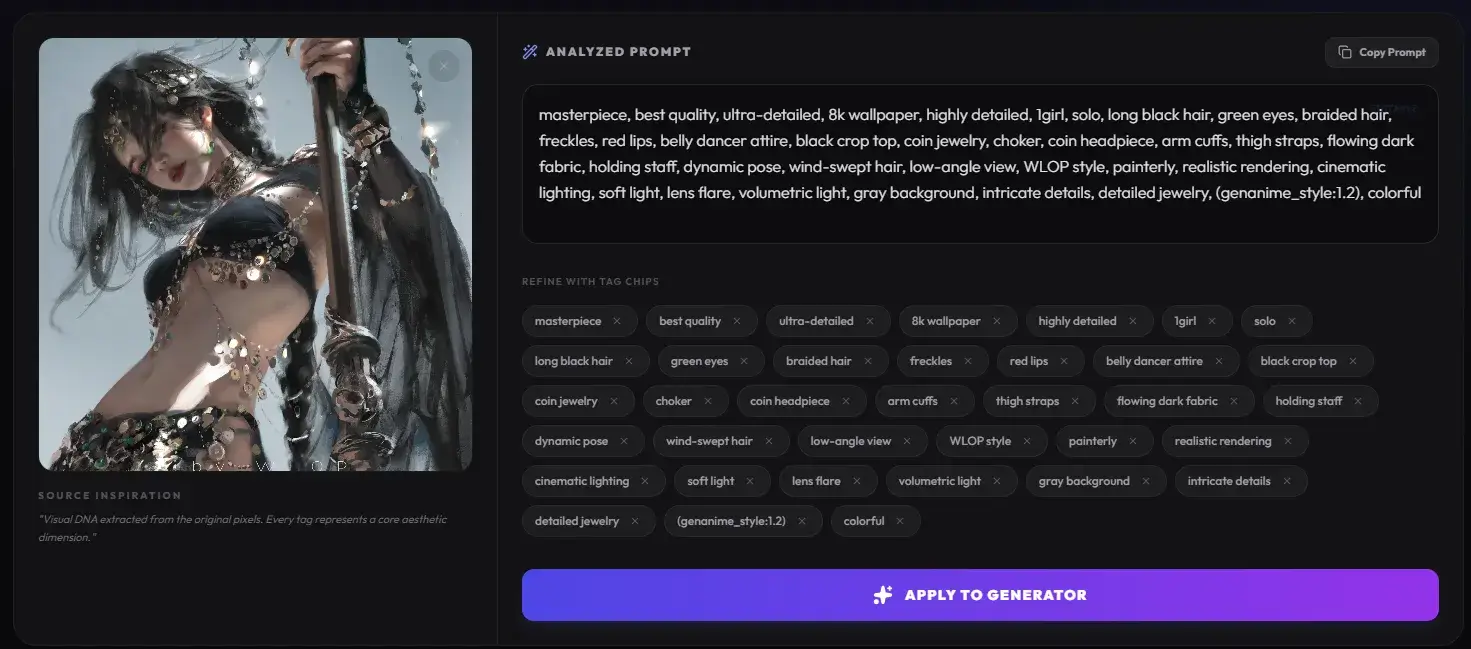
Step-by-Step Guide
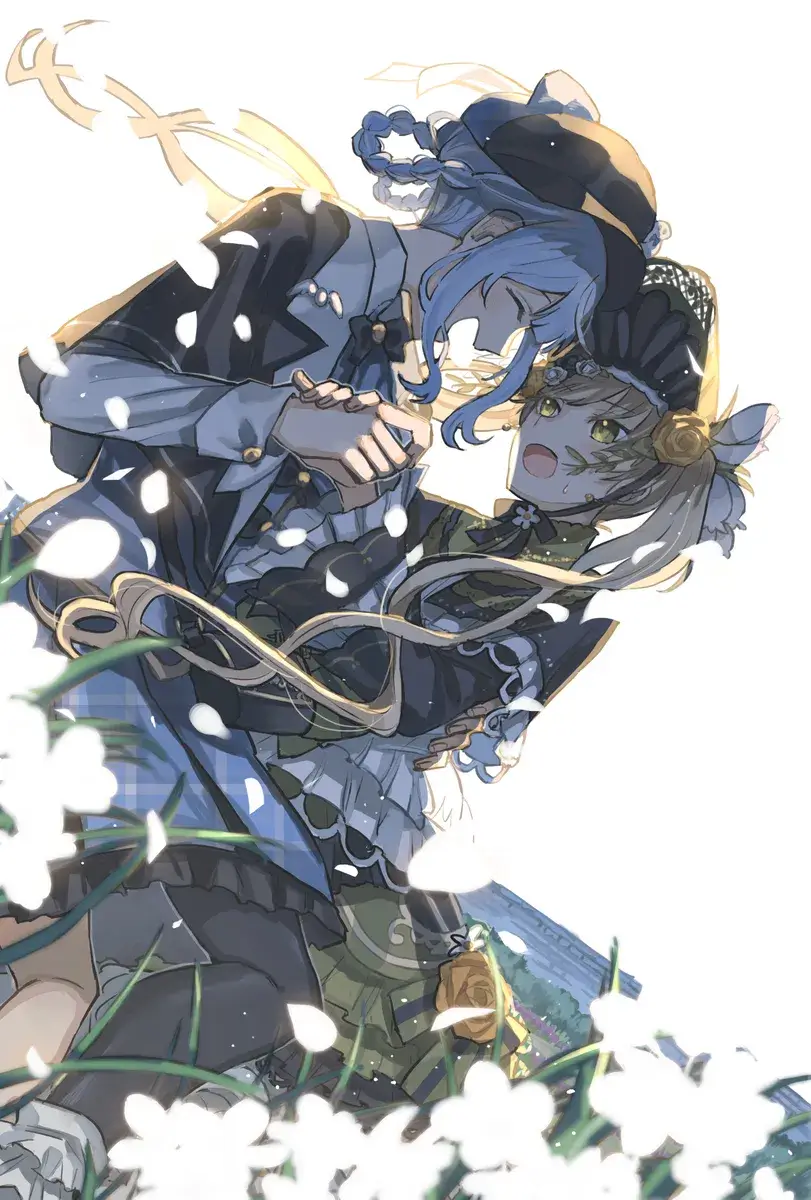
Find Your Muse
Every great creation starts with a spark. Find an image that resonates with your creative vision. This image will serve as the Visual DNA for your next generation.
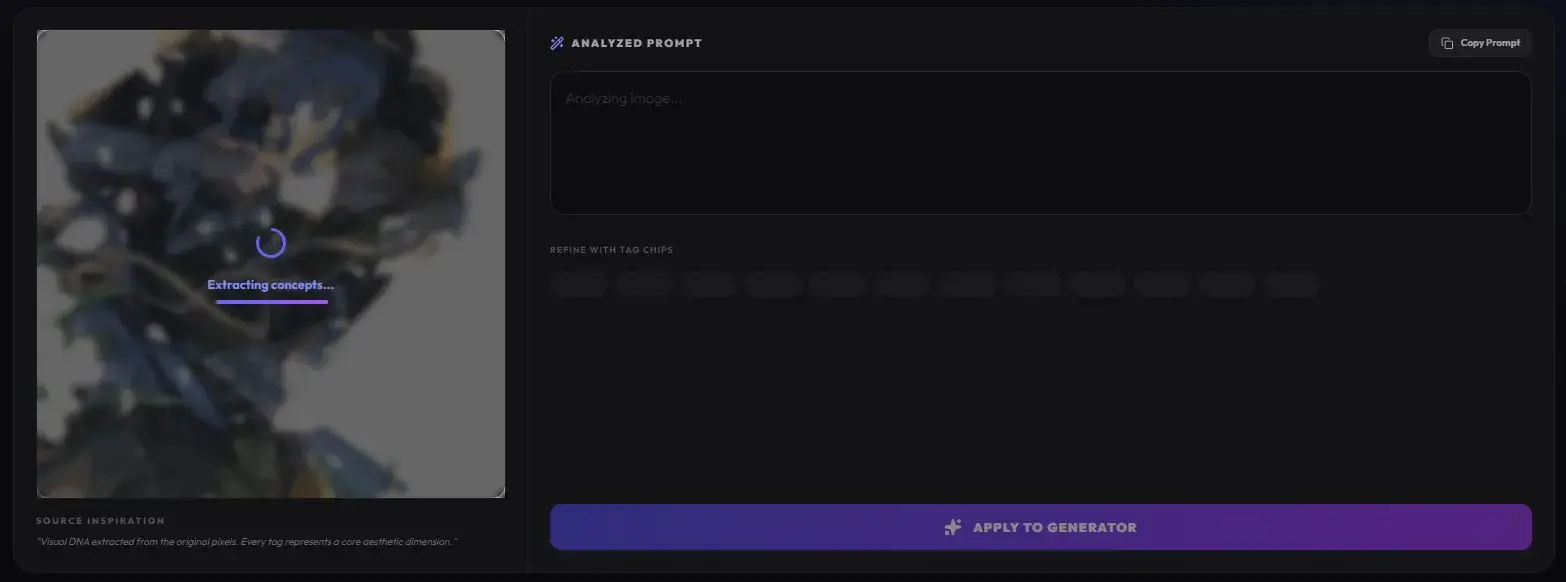
Upload & Analyze
Seamlessly drag and drop your muse into the GenAnime console. Our vision engine begins a deep-scan to deconstruct aesthetic data.
Refine with Tag Chips
Edit tags directly in the analyzed prompt box. Our interactive UI allows you to fine-tune every detail.