Prompt Compliance
High-intent users want outputs that match prompt constraints on first try.
LOADING
Preparing your canvas...
Build posters, product shots, social creatives, and multilingual signage with a practical GPT image 2 workflow. Start with prompt intent, then ship campaign assets faster.
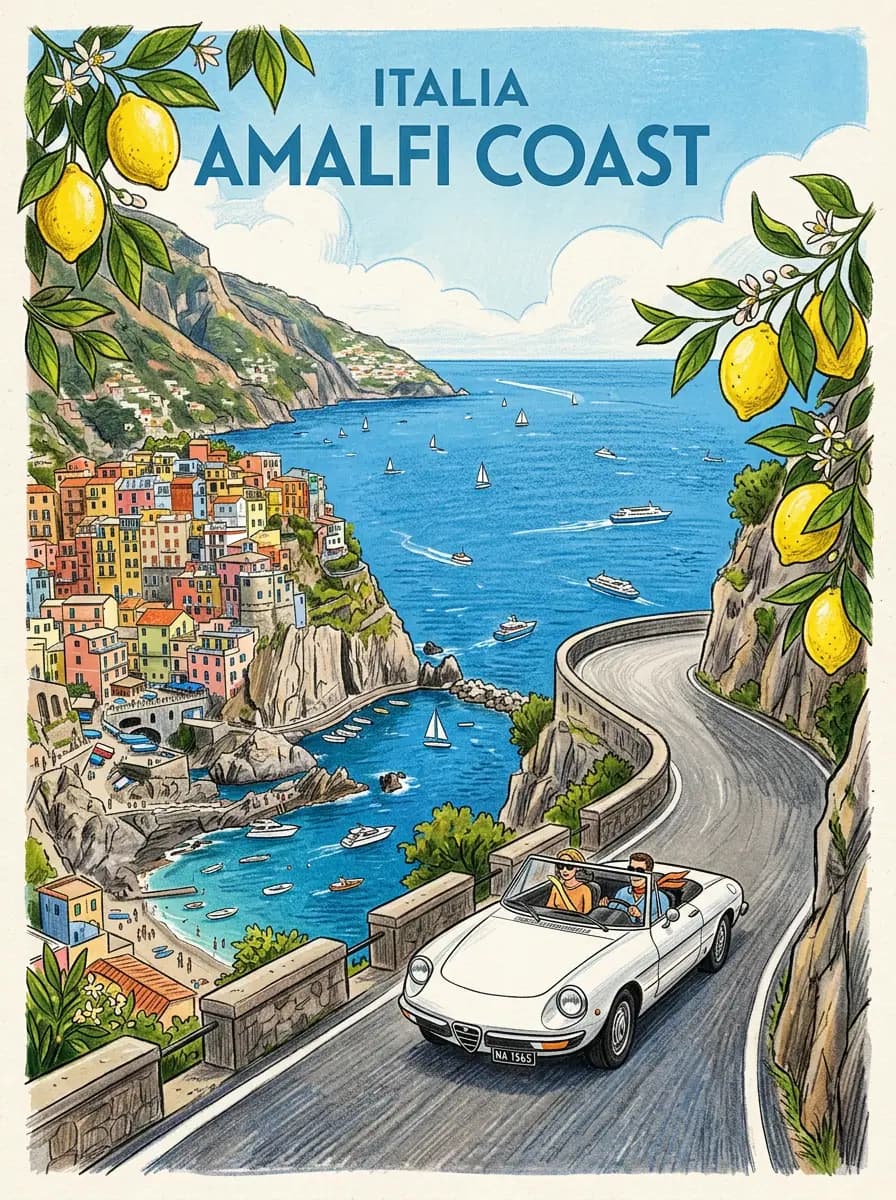
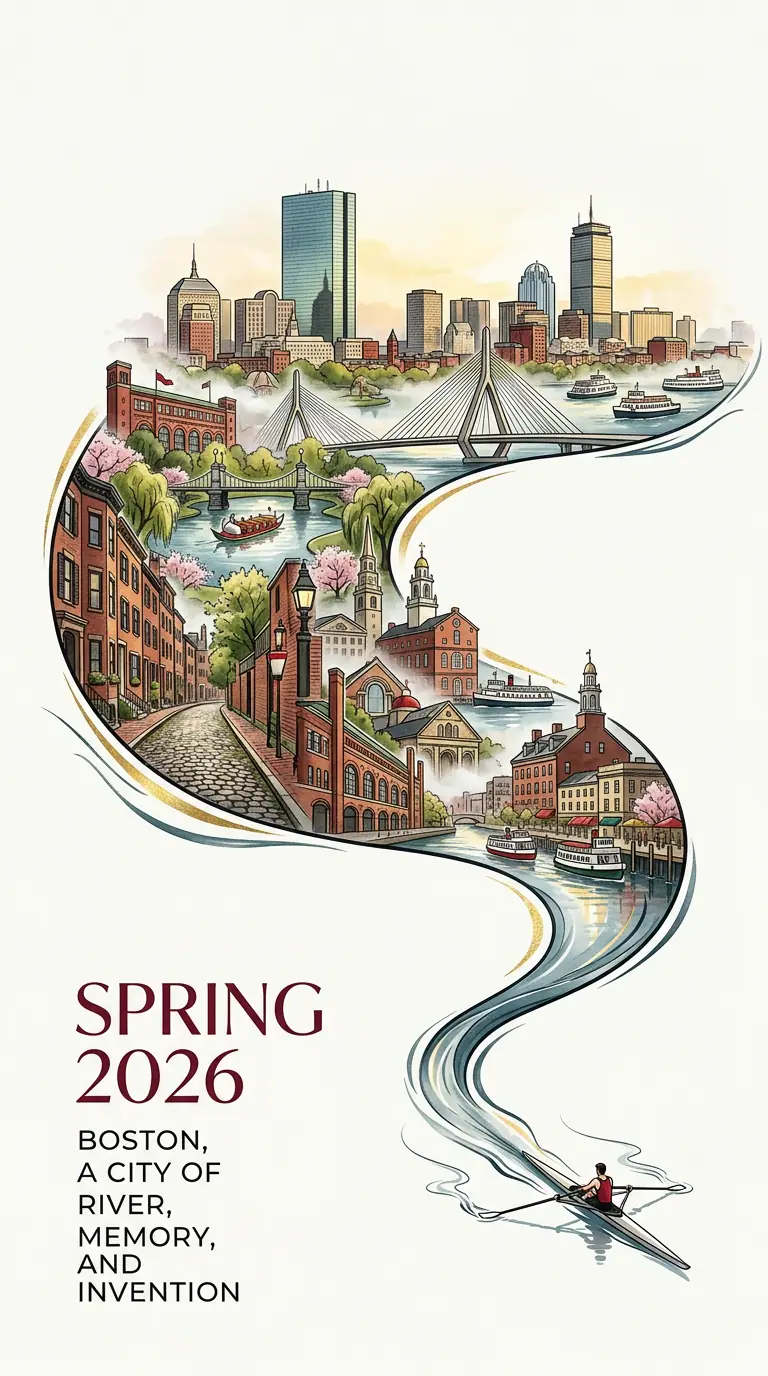
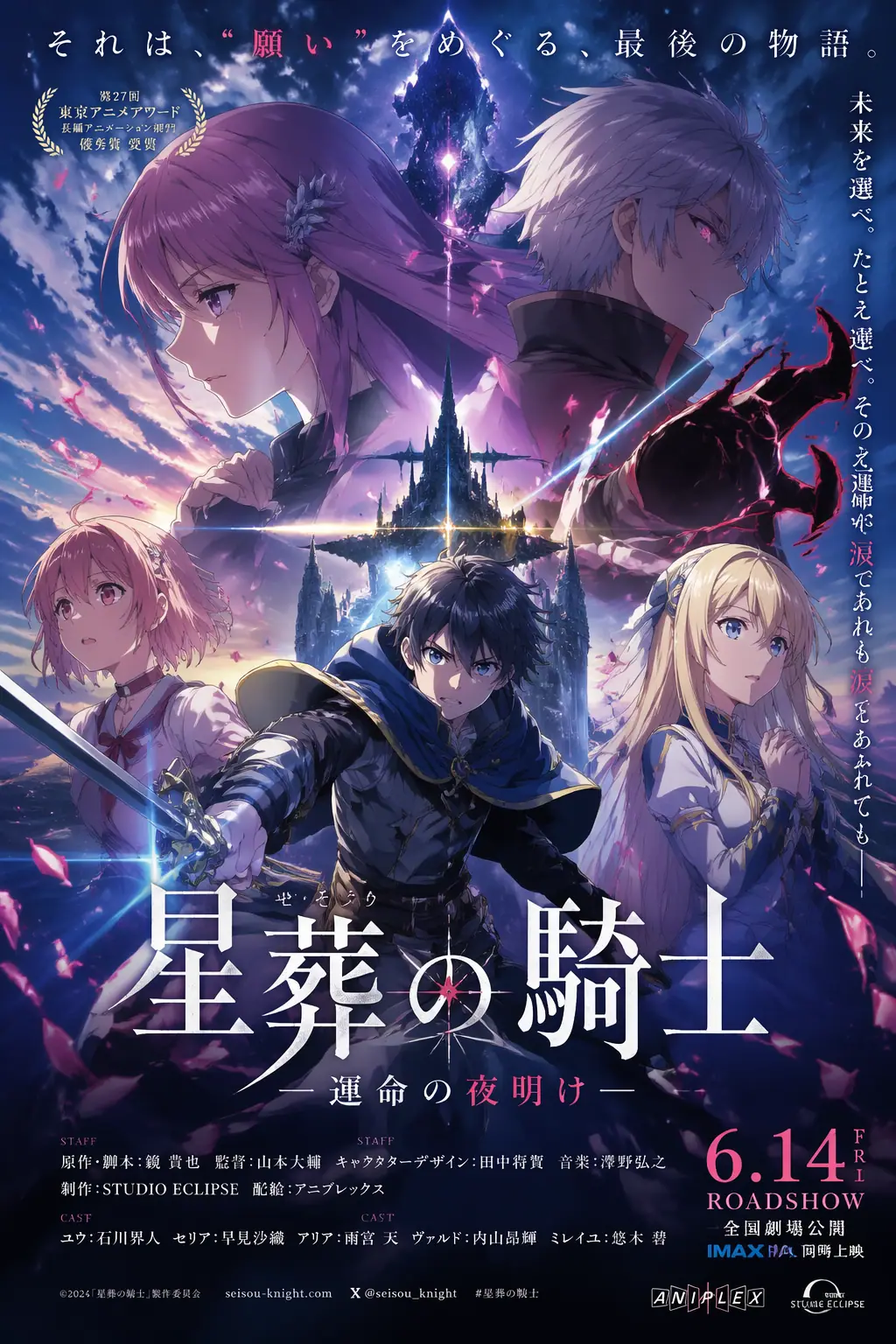
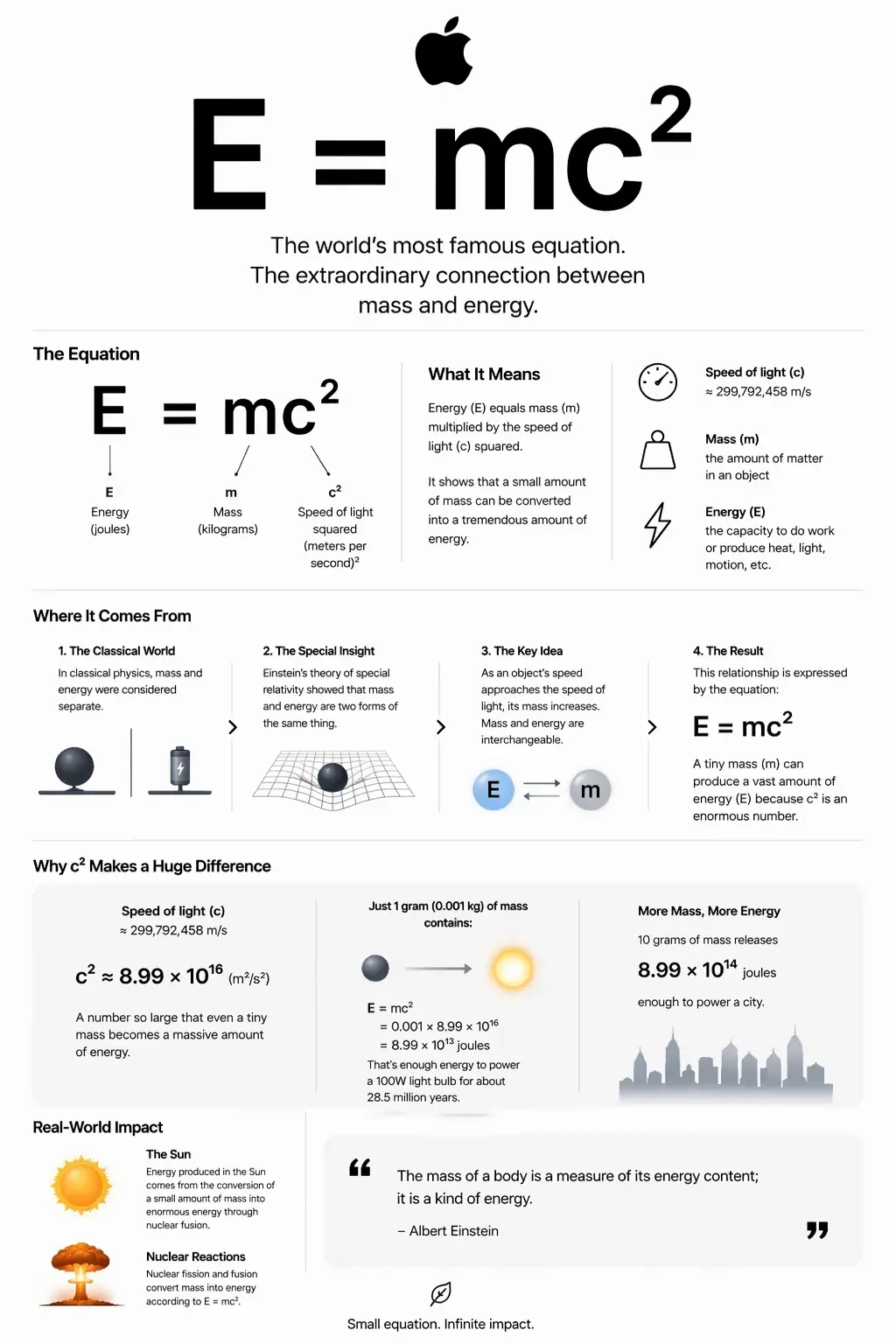
High-intent users want outputs that match prompt constraints on first try.
ChatGPT Images 2.0 and GPT image 2 queries often focus on readable text rendering.
Users compare workflow speed: idea, prompt, variation, final asset delivery.
Real-world demand includes cohesive outputs for hero, social, and ad placements.
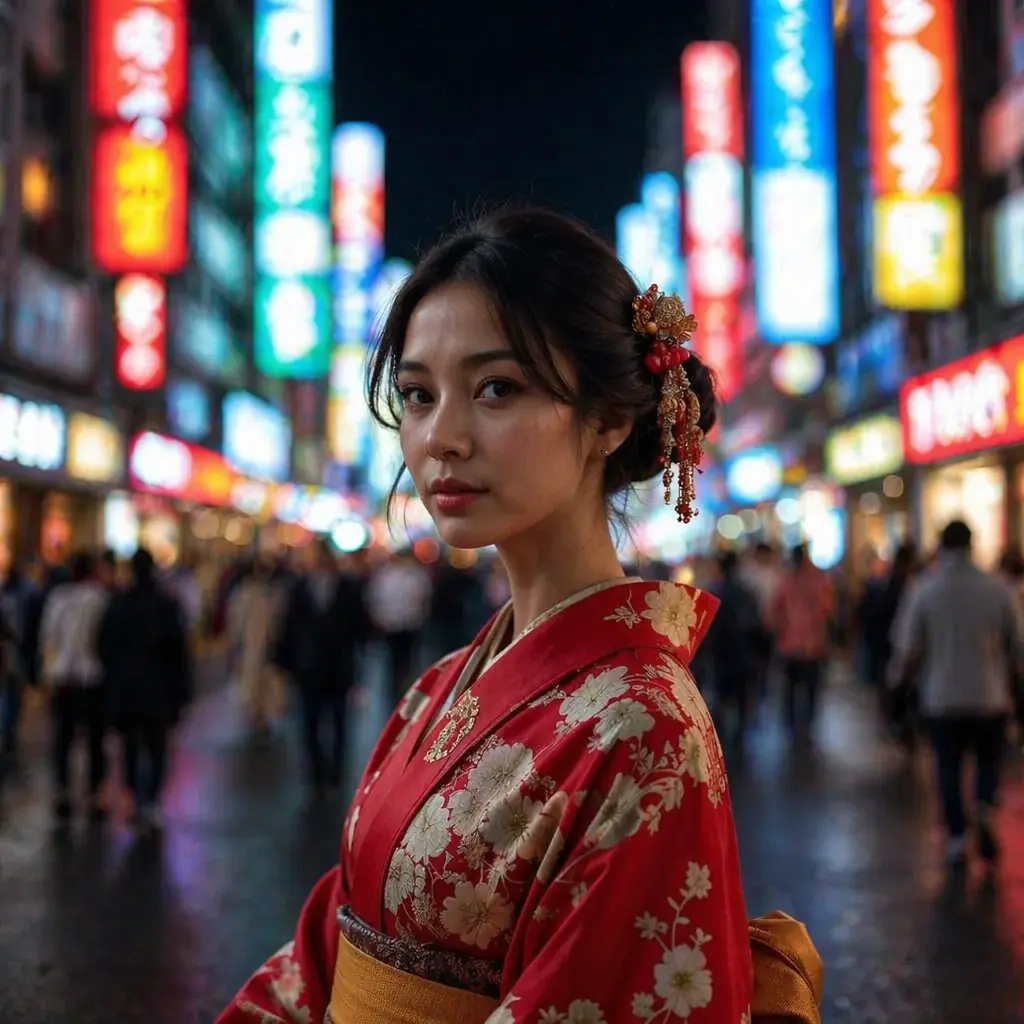
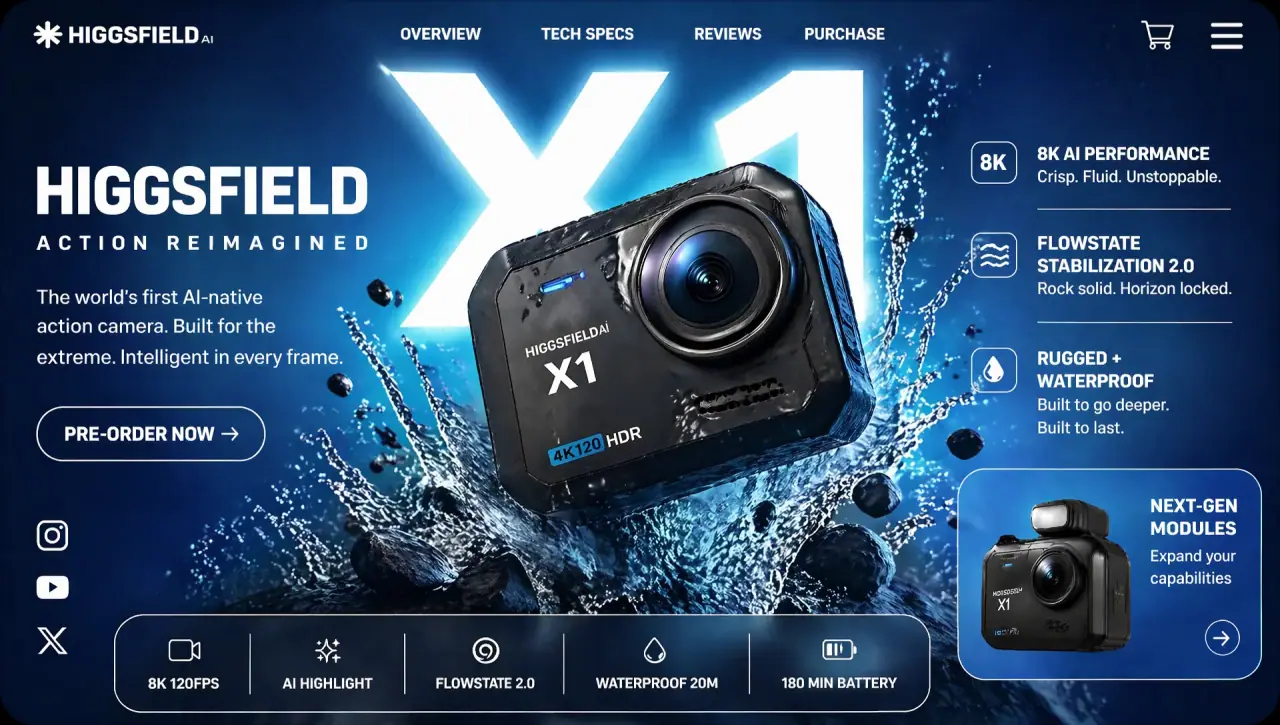
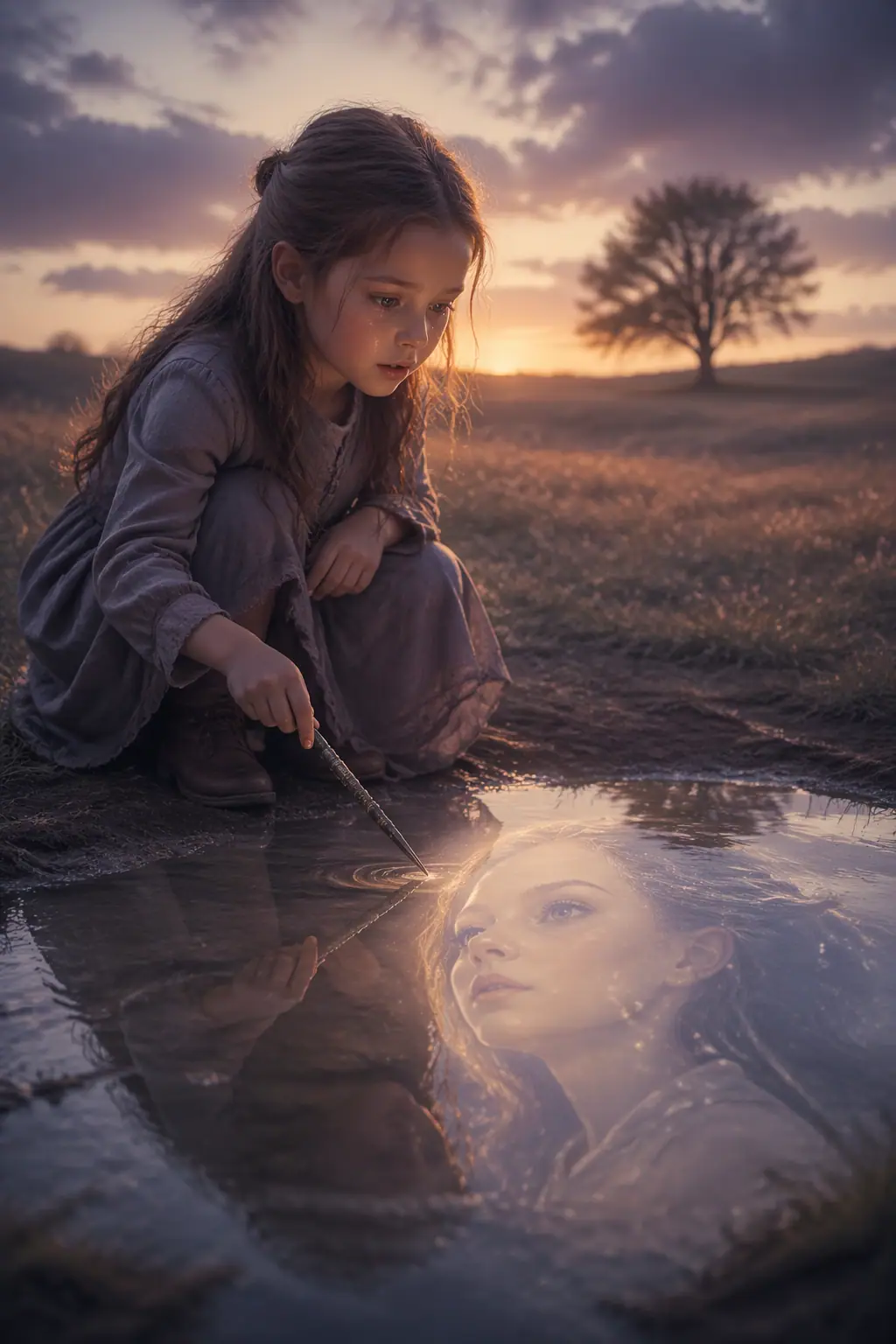
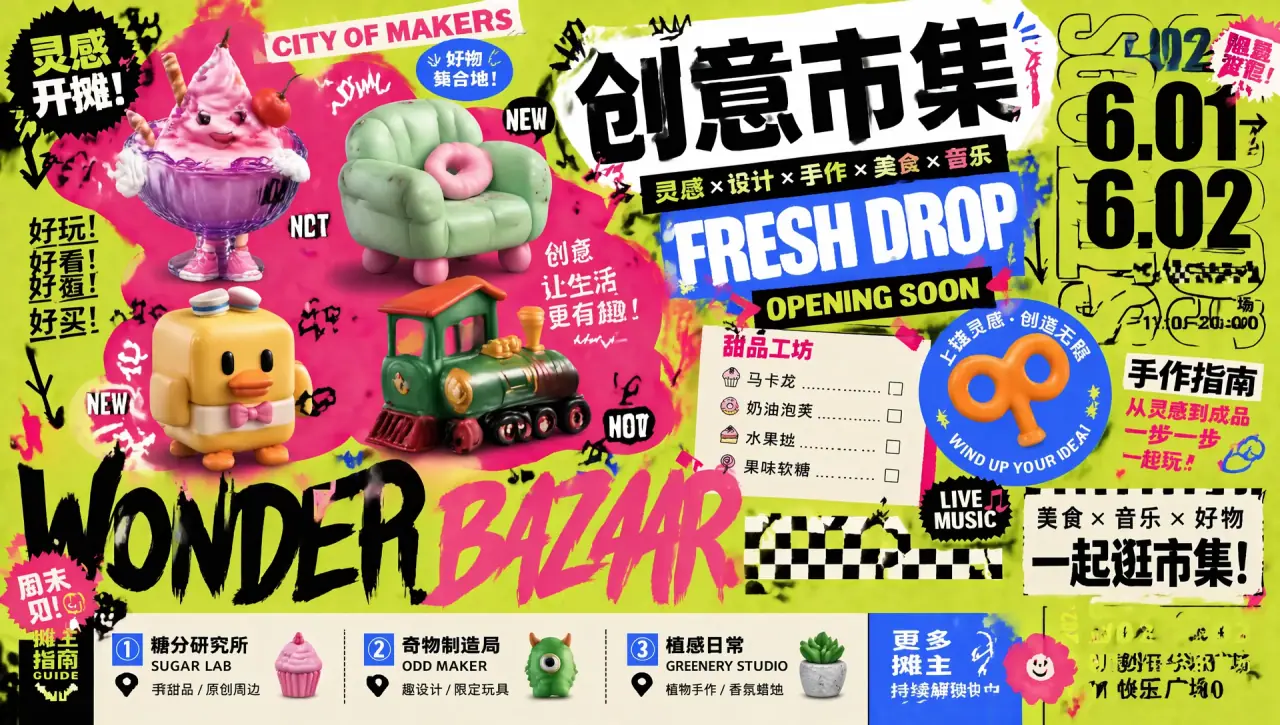
Four newly added visuals are now used as polished image-text modules for production-ready page sections.
Use this module when you need premium product detail pages with clear hierarchy, conversion-focused layout, and polished brand consistency.
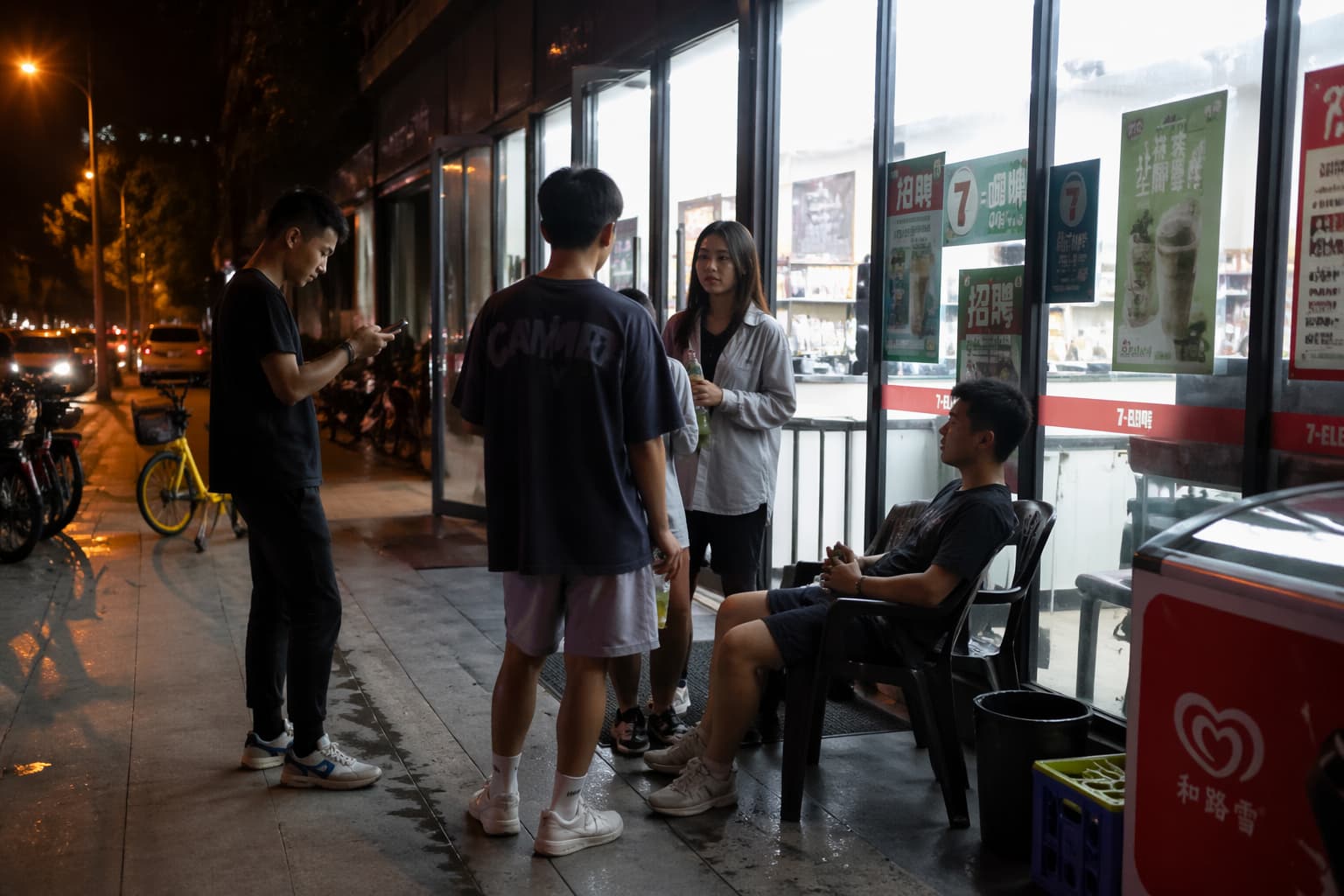
Great for social and lifestyle campaigns where emotion, environment, and character interaction need to feel real and cinematic.
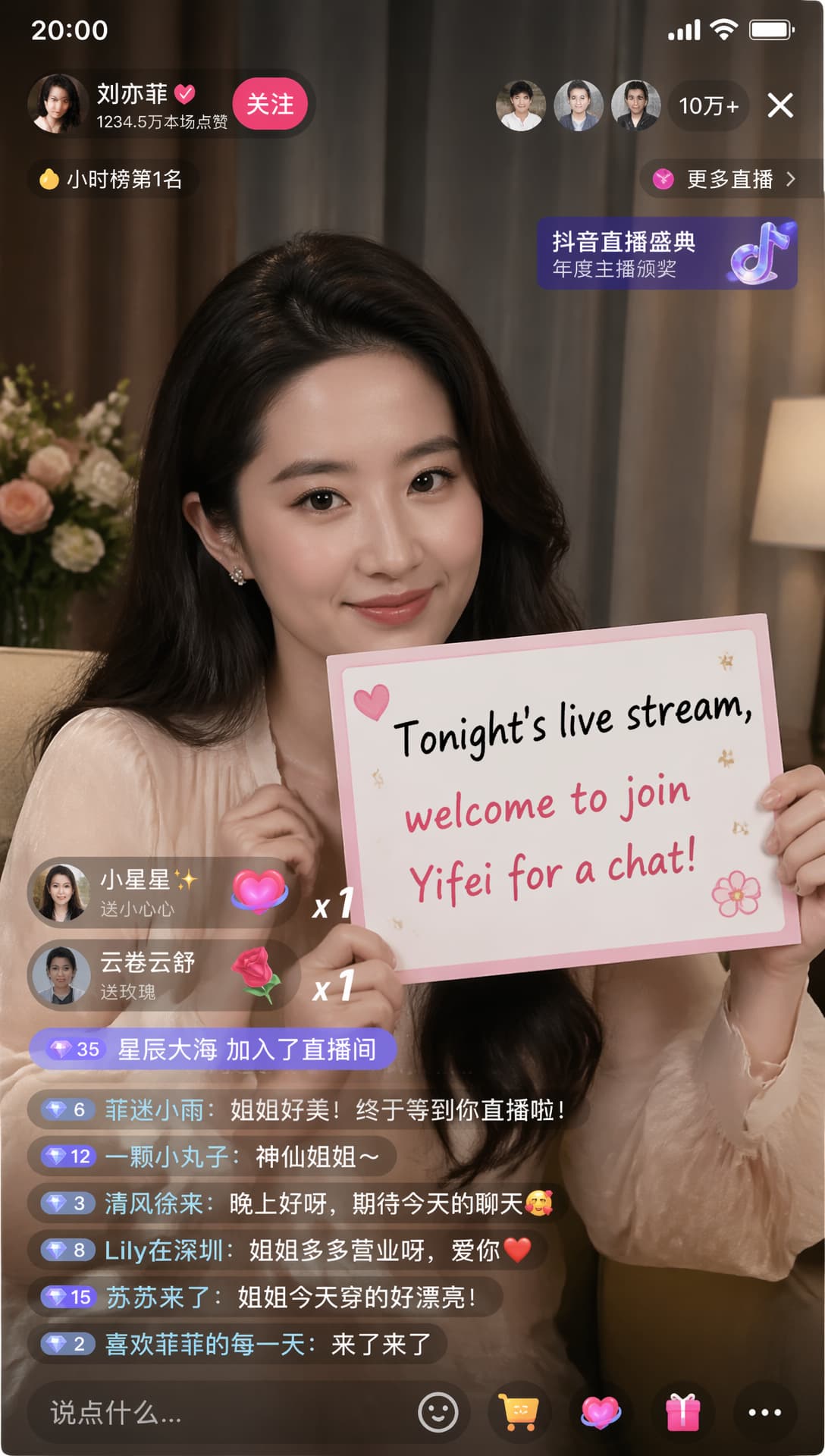
Ideal for creator thumbnails, stream covers, and profile campaigns with strong subject separation and clean tonal control.
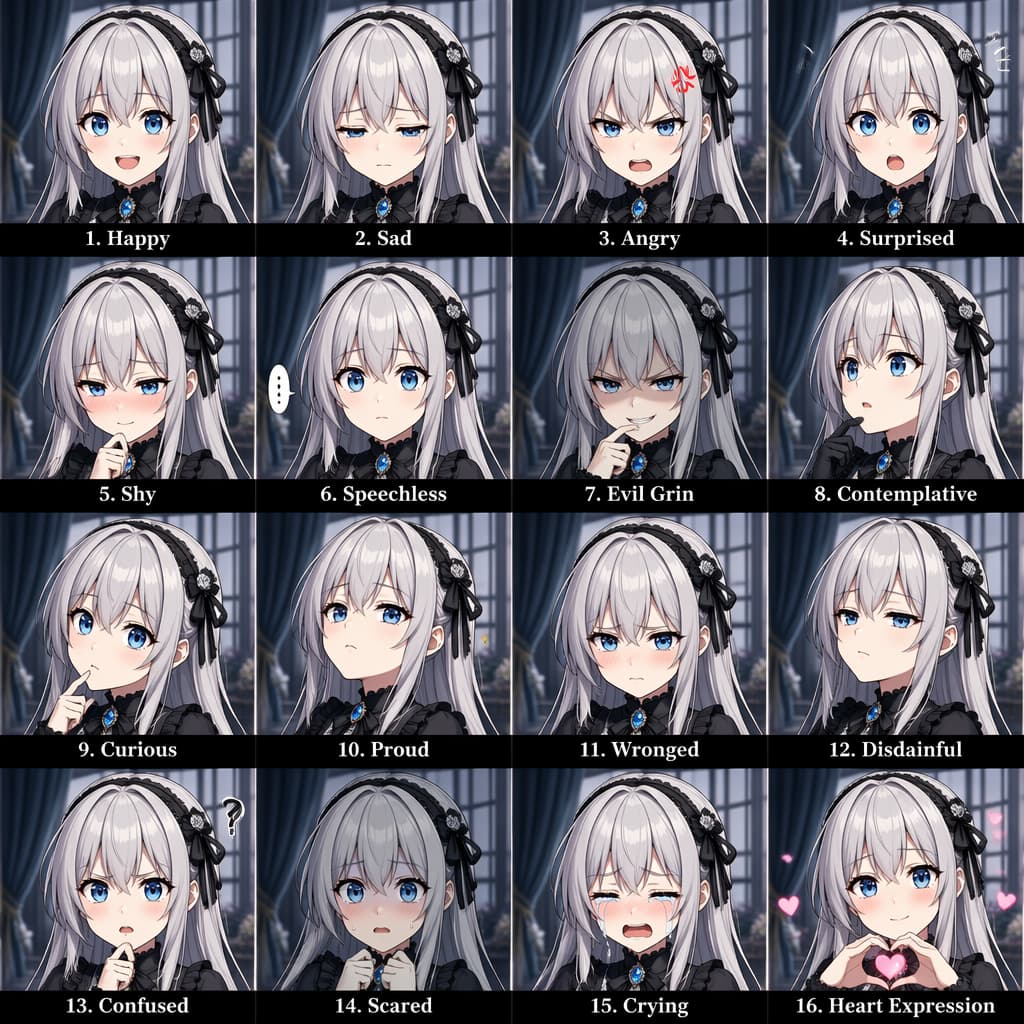
Best for stylized campaigns that need clear character emotion, readable composition, and vibrant but controlled color depth.
Answer first: for production use, start from business goal and output format, then lock subject, style, and typography constraints before generation.
Step 1: Task layer: define exact use case (poster, ad, product, social).
Step 2: Subject layer: who or what appears and where focal point sits.
Step 3: Style layer: visual direction, material quality, and color discipline.
Step 4: Control layer: typography requirements, composition constraints, and output format.
Step 5: Validation layer: check legibility, brand fit, and conversion readiness.
| Use Case | Prompt Focus | Output Priority |
|---|---|---|
| Landing Hero | Visual hierarchy + headline-safe space | CTR-ready first screen |
| Product Page | Material details + controlled reflections | Commercial clarity |
| Social Creative | Readable typography + fast variants | High iteration speed |
GPT Image 2 is OpenAI’s image generation model used in ChatGPT Images 2.0 workflows. If your goal is campaign-ready output, it is mainly used for prompt accuracy, stronger visual consistency, and cleaner text-in-image results.
For most users, the practical difference is workflow quality: GPT Image 2 usually gives better prompt-following, more stable typography, and fewer retries before reaching production quality. The best way to confirm is testing both models with the same prompt set.
Use-case fit matters more than brand names. If you care about ad-ready visuals, test both on the same tasks: hero banner, product detail image, and social post. Keep whichever gives better readability, style consistency, and iteration speed.
You can use outputs for commercial workflows only when your account plan and terms allow it. Before launch, always verify usage rights, brand policy, and model-output compliance for your target market.
Yes, and this is a common reason people choose ChatGPT Images 2.0. For better multilingual text rendering, specify language, font tone, line breaks, and exact text blocks directly in the prompt.
Yes. A practical flow is: upload a base image, define what must stay unchanged, then describe exactly what to edit (subject, background, typography, or lighting). This keeps revisions controllable for design and marketing teams.
In most creator workflows, yes through asset handoff. You can generate with GPT Image 2, then move images and prompt notes into your other tools for animation, compositing, or publishing.
Start with one clear business goal, generate a first draft, then iterate with constraints (style, text, composition, format). On this page, use the generator entry and the image-to-prompt tool to speed up your first production-ready set.